

Office Reader - PDF,Word,Excel
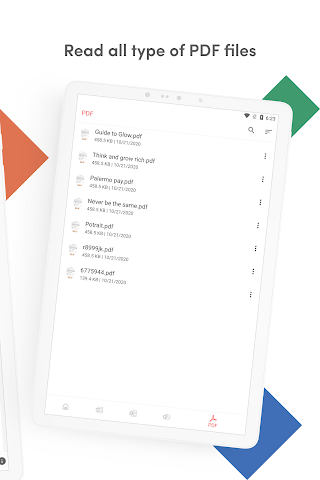
Open PDF, Word, Excel, PowerPoint, RTF, TXT, CSV, HTML, MD, and eBook files
Detailed description
Read, view, and manage all your documents in one free app. Open Word, Excel, PowerPoint, PDF, eBooks, and more—anytime, anywhere, even offline.
✨ Key Features
• All Document Formats Supported
Open DOC, DOCX, XLS, XLSX, PPT, PPTX, ODT, ODP, HWP, HWPX, PDF, RTF, TXT, CSV, HTML, MD, EPUB, MOBI, FB2, DJVU, AZW, EML, MSG, IPYNB, PGN, MML, CBZ, CBR and source codes (Java, Python, C++, etc.).
• Password-Protected Files
Securely view locked PDF, DOC/DOCX, XLS/XLSX, PPT/PPTX, and HWP files.
• File Conversion
Convert Word, Excel, PowerPoint, PDF, RTF, HTML, Markdown, Emails, and even source codes into PDF or text.
• Productivity Tools
📷 Doc Scan – scan documents into PDF.
📂 Folder Navigation – easily manage files.
⏱️ Quick Access – long press app icon to see recent files.
🚀 Why Choose Office Reader?
• Fast & lightweight
• 100% free, no hidden cost
• Works offline – perfect for travel or study
• Clean & simple design for easy navigation
Whether it’s business documents, study notes, eBooks, or source codes, Office Reader makes file viewing simple, fast, and secure.
About Office Reader - PDF,Word,Excel
Permissions breakdown
Grouped as shown on Google Play. Informational only.
• read the contents of your USB storage
• modify or delete the contents of your USB storage
• read the contents of your USB storage
• modify or delete the contents of your USB storage
• view Wi-Fi connections
• view network connections
• full network access
• control vibration
• prevent device from sleeping
• install shortcuts
Screenshots
Preview images associated with this app listing.




Versions
Comments
Similar apps
Apps with similar tags/category.


More from developer
Other apps from the same developer.


